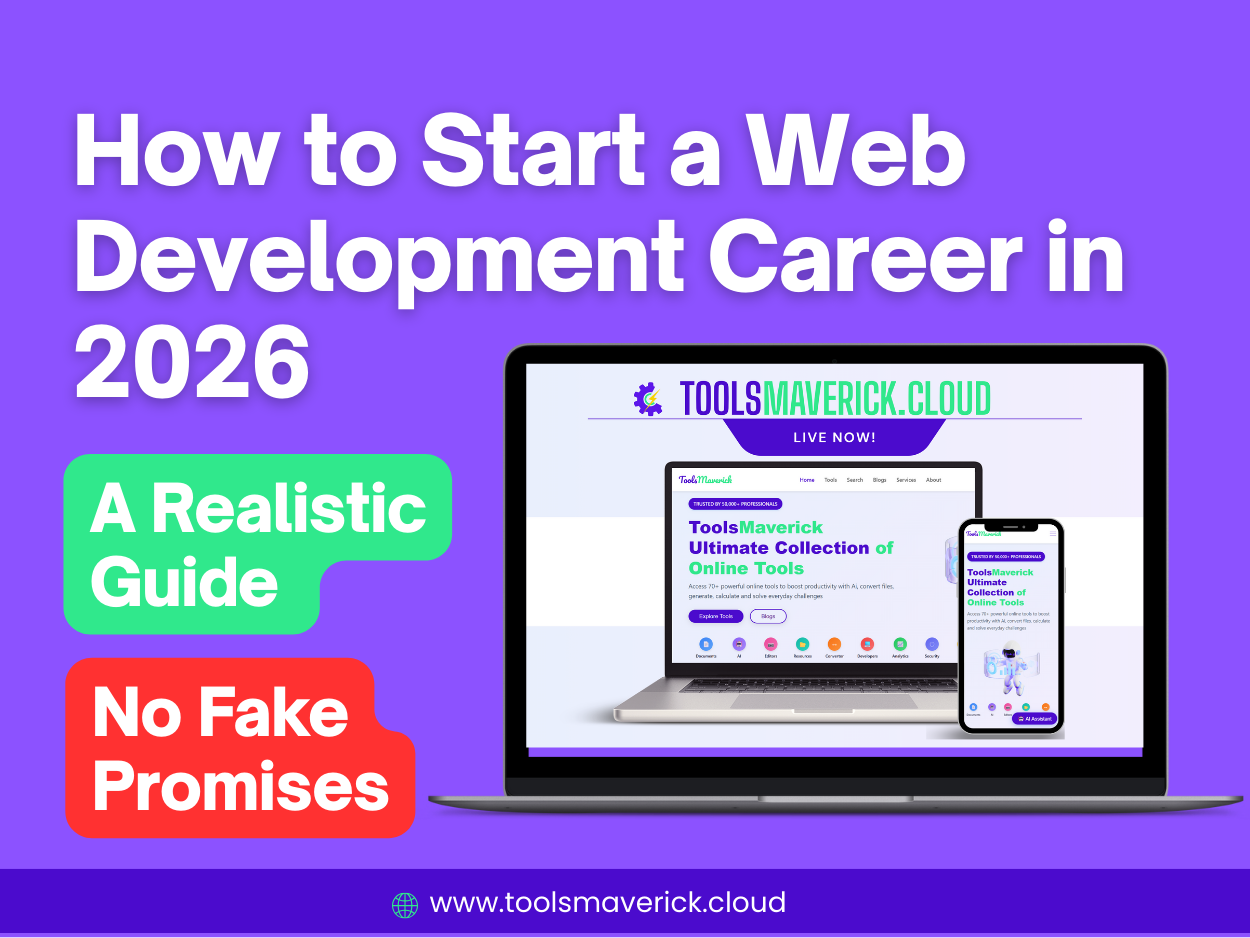
How to Start a Web Development Career: A Realistic 2026 Guide (Not Zero to Hero in 5 Months)
Meta Description: Learn how to realistically start a web development career in 2026. Skip the hype, discover your true interests, choose the right path, and build a portfolio that lands jobs. Expert guidance for beginners.
Stop Believing the Myths
Let's be honest. You've probably seen those promises: "Become a Web Developer in 5-6 Months," "Zero to Hero by Summer," "Earn $100K as a Junior Developer in Your First Year."
These statements aren't realistic, and this guide won't insult your intelligence by pretending they are. Yes, people have launched web development careers in a relatively short timeframe, but reaching true competency—where you can solve real problems, debug issues independently, and deliver quality work—takes time, dedication, and genuine interest. Building a sustainable career is a marathon, not a sprint.
The real work begins when you honestly answer one critical question: Do I actually want to do this?
Step 1: Assess Your Real Interest (Before You Commit)
Before diving into HTML, CSS, and JavaScript tutorials, pause and reflect. Web development careers demand continuous learning. Technologies evolve constantly. Frameworks change. Best practices shift. If you're not genuinely interested in solving problems with code, if you're only chasing money or prestige, you'll likely burn out during year two or three.
Ask yourself:
- Do I enjoy problem-solving?
- Can I spend hours debugging code and still feel energized?
- Am I curious about how things work?
- Can I commit to ongoing learning for years?
If your answers are yes, you're ready to move forward. If you're hesitant, that's also valid information. There's no shame in choosing a different career path.
Step 2: Choose Your Domain (Front-End, Back-End, or Both)
Web development isn't one career—it's several. Understanding the differences helps you invest your learning in the right direction.
Front-End Development
Front-end developers build what users see and interact with. If you have a design eye, enjoy crafting beautiful user interfaces, and want immediate visual feedback on your work, front-end development might be your path.
Key Technologies:
- HTML (structure)
- CSS (styling)
- JavaScript (interactivity)
- Frameworks like React, Vue, or Angular
Front-end is often easier to start with because you can see results immediately. Write HTML, and you have a webpage. Add CSS, and it looks good. Write JavaScript, and it becomes interactive.
Back-End Development
Back-end developers handle the logic, databases, and servers that power applications. If you're drawn to architecture, databases, and system design, back-end development offers deeper technical challenges.
Key Technologies:
- Python (Django, Flask)
- JavaScript (Node.js, Express)
- Databases (PostgreSQL, MongoDB)
- APIs and server logic
Back-end development often requires more time to see tangible results, but it opens doors to full-stack and specialized roles.
Full-Stack Development
Full-stack developers work on both front-end and back-end. This path requires learning more technologies but makes you significantly more marketable.
Step 3: Research Before You Choose Your Primary Language
Here's what matters: Most popular languages—JavaScript, Python, and PHP—can absolutely sustain web development careers. But which should you choose?
JavaScript (Node.js for Back-End)
- Used by approximately 42.65% of web developers globally
- Works for both front-end and back-end
- Flexible, real-time applications
- Large ecosystem through NPM
- Good for: Freelancing, startup environments, full-stack roles
Python (Django for Back-End)
- Used by approximately 11.47% of web developers
- Cleaner syntax, easier to learn
- Excellent built-in features
- Strong in data science and AI (future mobility)
- Good for: Enterprise applications, long-term learning, if you might explore AI/ML later
Personal Recommendation for Long-Term Success:
If you're starting today, consider Python with Django or JavaScript. Here's why: Both languages work across multiple specializations. If you learn Python, you can transition into machine learning, data science, or AI without switching languages entirely. If you learn JavaScript, you can build anything from real-time chat applications to full-stack web apps.
Avoid choosing based solely on what's "trending right now." Trends change. Choose based on which language has sustained demand and longevity in your target field.
Step 4: Master the Fundamentals (Don't Rush This)
This is where many beginners fail. They jump from HTML basics straight into React or Django after two weeks, thinking they understand programming. They don't.
Spend time—real, focused time—on the fundamentals:
For Front-End:
- HTML: Structure and semantic markup
- CSS: Layouts, flexbox, grid, responsive design
- JavaScript: Variables, functions, loops, DOM manipulation, asynchronous programming
Don't move forward until you genuinely understand these concepts. You should be able to build static websites from scratch without tutorials.
For Back-End:
- Core programming concepts: Variables, functions, data structures
- Database basics: How to store and retrieve data
- API design: How servers communicate with clients
- Authentication and security: Basic concepts
The time you invest here is never wasted. These fundamentals apply to every framework and library you'll learn later. Skipping this step means you'll struggle with frameworks for years.
Step 5: Choose Your Framework Strategically
Once you've mastered fundamentals, it's time to learn a framework.
For Front-End:
- React: Dominates the market (used by most tech companies). Learn this if you want maximum job opportunities. It's harder but worth it.
- Vue: Easier to learn, increasingly popular with startups. Great if you want faster initial success.
- Next.js: Ideal for full-stack development with React. Better for SEO and modern web applications.
For Back-End:
- Django (Python): If you want a complete framework with built-in admin panels, authentication, and databases all included. Perfect for long-term solutions and complex applications.
- Express (Node.js): Lightweight and flexible. You have more control and responsibility. Good for custom architectures.
Recommendation: If you're choosing Python for back-end, Django is the obvious choice. It's feature-complete, secure, and designed for rapid development.
Step 6: Learn Through Building Projects (Not Just Tutorials)
Watching tutorials feels productive, but it's not the same as building. Real learning happens when you struggle through problems independently.
The Right Project Progression:
Phase 1: Follow-Along Projects (Weeks 1-4) Build 5-6 projects directly from tutorials. Don't deviate. Follow step-by-step. This builds your confidence and foundation.
Phase 2: Tutorial + Experimentation (Weeks 5-8) Take tutorial projects and modify them. Change the design. Add features. Experiment with the code. What happens if you change this variable?
Phase 3: Build Without Tutorials (Weeks 9+) Now build projects from scratch using only documentation. Use Google. Use ChatGPT to understand concepts (not to write code). This is where real learning accelerates.
What Projects to Build:
Beginner Projects:
- Personal portfolio website
- Todo list application
- Weather app using an API
- Simple blog or CMS
- Calculator or note-taking app
Intermediate Projects:
- E-commerce site (with shopping cart, checkout)
- Social media feed
- Real-time chat application
- File management system
- Analytics dashboard
Avoid building clones of famous apps unless you add unique features. Employers want to see that you can create solutions for real problems, not just copy what already exists.
Step 7: Deploy Your Projects (This Is Critical)
Many beginners build projects locally and never deploy them. Employers need to see live, working applications.
Free Hosting Options:
- Vercel: Perfect for front-end and Next.js projects. Extremely easy.
- PythonAnywhere: Specifically designed for Python/Django projects.
- GitHub Pages: For static front-end projects.
- Heroku: (Free tier is limited but still available). Good for full-stack.
Deploying teaches you essential skills: environment variables, database management, error logging, and performance optimization. These are skills your future employer expects.
Step 8: Build a Portfolio That Actually Gets Noticed
Your portfolio is your most powerful asset when job hunting. Many junior developers build projects but present them poorly.
What Your Portfolio Must Include:
Essential Elements:
-
Clean, Professional Design: Your portfolio itself demonstrates your skills. Make it responsive, fast-loading, and easy to navigate.
-
5-8 Polished Projects: Not 20 half-finished projects. Quality over quantity. Employers stop scrolling after 8-10 projects anyway.
-
Project Descriptions (Not Code Dumps): Don't just link to GitHub. Write compelling descriptions:
- What problem did this solve?
- What technologies did you use and why?
- What challenges did you overcome?
- What would you do differently?
-
Live Demos: Include working links to your deployed projects. Employers want to see your work in action.
-
Your Story: Write a compelling "About Me" section. Why did you become a developer? What drives you? This humanizes your portfolio.
-
Skills and Technologies: List the specific tools you've mastered, not just vague claims.
Critical Tip: Remove Class Projects
If your portfolio is full of projects you built exactly as instructed in a tutorial, it sends the wrong message. Either:
- Significantly modify tutorial projects until they're unrecognizable
- Build original projects instead
Make Your Portfolio Outstanding:
- Include technical blog posts explaining your learning
- Show your problem-solving process through project documentation
- Contribute to open-source projects (and mention them)
- Include metrics: performance improvements, user testimonials, code quality metrics
Step 9: Learn Deployment, Hosting, and DevOps Basics
Knowing how to code is only half the job. Modern developers must understand how to get code to production.
Essential Skills:
- Git and GitHub version control
- Deployment processes
- Environment configuration
- Basic cloud concepts (AWS, Google Cloud, or Azure)
- CI/CD pipelines (GitHub Actions, etc.)
You don't need to be a DevOps expert, but understanding how your code gets to users is crucial. Employers notice candidates who can deploy their own work.
Step 10: Where to Learn (Spoiler: YouTube is Legitimate)
The best learning resource often gets overlooked because it's free. YouTube has incredible web development content.
Why YouTube Works:
- Free, high-quality instruction
- Multiple creators mean multiple explanations for the same concept
- You can rewatch confusing sections
- Faster learning than traditional courses (you set the pace)
- No subscription fees
Legitimate YouTube Channels to Follow:
- Course-specific channels (Traversy Media, Web Dev Simplified, Academind)
- Topic-specific creators (for deeper dives into specific technologies)
- Follow multiple creators. If one explanation doesn't click, another will.
Advanced Alternatives:
- Official documentation (React docs, Django docs)
- Free bootcamp resources (freeCodeCamp, The Odin Project)
- Community platforms (Stack Overflow, Dev.to)
You absolutely don't need paid courses. Consistency and practice matter more than expensive programs.
How Long Does This Really Take?
Be realistic about timelines:
Part-Time Learning (5-10 hours/week): 12-18 months to job-readiness Full-Time Learning (40+ hours/week): 4-6 months to job-readiness Bootcamp (intensive, 6+ hours/day): 3-4 months to job-readiness
These timelines assume consistent, focused learning and regular project building. Someone learning 2 hours a week will take longer than someone studying 40 hours a week. That's not a judgment—it's mathematics.
The timeline also depends on your prior technical background, learning style, and how much time you spend debugging and struggling (which, counterintuitively, is where real learning happens).
Your First Job Likely Won't Be Perfect
Adjust your expectations. Your first web development job might offer:
- Less pay than you hoped
- Less sophisticated technology than you wanted
- Boring projects initially
- A slower pace than you expected
That's normal. Your first job is about building professional experience, learning how code works in a team environment, and proving you can deliver. Better opportunities follow.
The Income Reality
According to the latest data, web developers in the United States earn a median annual salary of approximately $90,930 as of 2026, with entry-level positions starting around $57,800 and experienced developers exceeding $150,000. The wide range reflects experience, specialization, location, and market demand.
Don't chase income. Chase competency. Income follows competency.
Tools Maverick's Free Online Tools
If you're serious about your learning, explore free online tools that support web development:
- Code editors and testing environments
- API testing tools
- Documentation and learning resources
- Community forums and Q&A platforms
Free doesn't mean low-quality. Many professional developers rely entirely on free tools. Quality tools exist at every price point.
Your Realistic Action Plan
- Week 1: Honestly assess your interest and commitment level
- Week 2: Research front-end vs. back-end vs. full-stack
- Week 3: Choose a primary language (Python or JavaScript)
- Weeks 4-8: Master HTML, CSS, JavaScript (or Python basics)
- Weeks 9-16: Learn one framework thoroughly
- Weeks 17-24: Build 3-5 polished projects from scratch
- Weeks 25-26: Deploy projects and build your portfolio website
- Weeks 27+: Continuously improve, contribute to open-source, apply for jobs
This isn't a linear path. You'll loop back to learning fundamentals even when building projects. That's expected and healthy.
Final Thoughts: Patience Compounds
You won't be a "hero" in five months. But in one year of consistent work, you'll be capable. In two years, you'll be competent. In three years, you could be specialized. In five years, you could be senior.
The developers who succeed aren't the ones who burned bright for six months and disappeared. They're the ones who built sustainable habits, continued learning, and treated web development as a craft to master—not a destination to reach.
The fact that you're reading this guide suggests you're already thinking long-term. That puts you ahead of most people who chase shortcuts.
Start today. Be patient. Build things that matter. The rest follows.
Ready to start? Pick one concept from this guide and go deeper today. Not tomorrow. Today.
About ToolsMaverick.cloud
ToolsMaverick was created with a clear vision: to make essential online tools free, fast, and remarkably easy to use. In a world full of clutter and subscriptions, we believe that basic utilities should be accessible to all.
Toolsmaverick.cloud Offers 70+ Free Online Tools - AI, SEO, Developer, Generation , Convertion and Caluclation Tools.
Our goal is to empower students, professionals, and anyone who needs to perform a quick calculation or conversion without the hassle. No login. No ads. No cost. Just smart tools that work.
Visit: www.toolsmaverick.cloud